Transforming Your Ideas Into Reality: A Deep Dive into AI Image Generation
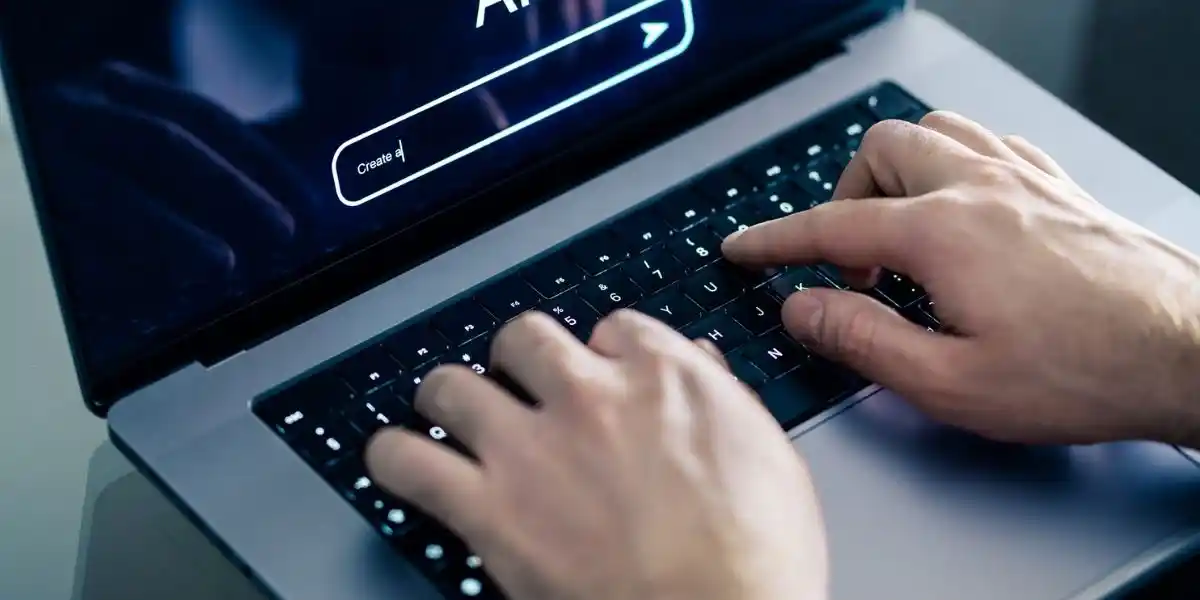
One of the most exciting areas where AI is making waves is in image generation. AI tools can now transform your ideas into stunning visuals, all through a simple text prompt or a reference image.
This shift has opened up new opportunities for artists, designers, content creators, and businesses. In this blog post, we’ll dive deep into how AI image generation works, the power of AI avatars, and how you can start using tools like CapCut’s AI image generator to turn your creative vision into reality.
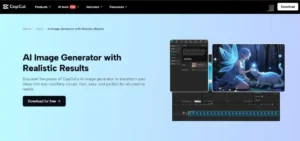
What is AI Image Generation?
AI image generation is a process where artificial intelligence is used to create visuals based on textual descriptions or references provided by users. Think of it as having a virtual artist that can draw anything you describe. With the help of machine learning algorithms and deep neural networks, AI tools are now able to create incredibly realistic and diverse images in seconds.
These AI tools can generate anything from realistic landscapes and portraits to abstract art, making them incredibly versatile for various industries. Whether you’re designing a marketing campaign, creating content for social media, or just experimenting with your creative ideas, AI image generation has become a powerful tool.
The Power of AI Avatars
One specific application of AI image generation is the creation of AI avatars. An AI avatar is a digital representation of a person or character that can be used in various online platforms. These avatars can be customized to look like anyone, from a realistic human likeness to a stylized or animated character. Many platforms and apps now offer AI avatar creation tools, which allow users to generate unique avatars for gaming, social media, business presentations, or even virtual assistants.
AI avatars are also gaining popularity in virtual reality (VR) and augmented reality (AR), where they can serve as interactive elements. For instance, you could create an AI avatar of yourself to act as your digital twin in online meetings or virtual spaces. This is especially valuable in online communities, gaming, and marketing, where having a personalized avatar can enhance user engagement.
How Does AI Image Generation Work?
The process of generating images using AI typically involves the following:
- Text Prompts: The AI uses the description you provide to understand what kind of image you want. The more detailed your description, the better the AI can interpret your vision. For example, you might say, “A serene sunset over a mountain range with a calm lake reflecting the sky,” and the AI will generate an image that matches that description.
- Reference Images: Some AI tools also allow you to upload reference images. These serve as a guide for the AI to understand the style, color scheme, and elements you want to incorporate into your image. For example, if you want a sunset in a particular artistic style, you can upload an image that shows how you envision it, and the AI will generate something similar.
- Model Selection: Many AI tools offer different models for image generation, each designed to create images with varying levels of detail, realism, and artistic flair. You can choose the model that best suits your needs, whether you’re looking for something highly realistic or something more abstract and stylized.
- Fine-Tuning: Once the AI generates the image, you can often make adjustments to the output. Some tools offer built-in features for color correction, background replacement, upscaling, and more. This allows you to refine the image to meet your exact needs.
The Benefits of Using AI Image Generation
AI image generation has numerous benefits, especially for those working in creative industries:
- Speed: Traditional image creation methods can be time-consuming, but AI can generate images in seconds or minutes, giving creators more time to focus on other aspects of their work.
- Cost-Effective: Hiring professional artists or photographers can be expensive. With AI, you can create stunning visuals at a fraction of the cost.
- Endless Possibilities: With AI, your creativity is limited only by your imagination. From futuristic cities to dreamlike landscapes, AI can generate any image you can think of.
- Customization: Many AI image generation tools allow for detailed customization, meaning you can create images that perfectly fit your needs.
Using CapCut’s AI Image Generator: A Step-by-Step Guide
One of the most accessible and user-friendly AI image generators is CapCut’s AI Image Generator. CapCut is a popular video editing software, but it also includes powerful tools for creating AI-generated images. If you’re looking to transform your ideas into visual content, CapCut makes it easy. Here’s how you can use it in three simple steps:
Step 1: Describe Your Vision
Start by launching CapCut on your desktop. Once you’re inside the editing interface, you’ll find an option called “AI media” on the left panel. Click on it, and then select “AI image.” This will open a prompt box where you can type in a detailed description of the image you want to generate. You can also use the “Reference” option to upload a sample image that will guide the AI in creating your visual. The more detailed your description, the better the result!
Step 2: Select a Model and Aspect Ratio
Once you’ve input your description (or uploaded a reference image), you’ll need to choose an AI model. CapCut offers several models, including Image 3.0, Image 3.1, Image 2.0 Pro, and Seedream 4.0. Each model is designed for different levels of realism and detail. You’ll also need to select an aspect ratio that fits your intended platform. For example, you might choose 9:16 for TikTok or Instagram, or 16:9 for YouTube. Once you’ve selected your model and aspect ratio, click the “Generate” button, and CapCut’s AI will begin creating your image.
Step 3: Download and Share
When the AI has generated your image, you can fine-tune it with additional tools in CapCut, such as color correction or background replacement. Once you’re happy with the result, it’s time to download and share! Click the Export button. You can choose your desired format and resolution (up to 8K) and click “Export” to save the image to your device.
Final Thoughts: Why AI Image Generation Is a Game-Changer
AI image generation is revolutionizing the way we create and interact with visual content. With tools like CapCut’s AI image generator, anyone can bring their ideas to life in a matter of minutes. Whether you’re designing content for social media, creating marketing materials, or just exploring your creative side, AI tools are here to help you unlock new possibilities.
So, whether you’re looking to create an AI avatar to represent yourself or an entire collection of AI-generated images, the technology is now at your fingertips. With just a few simple steps, you can transform your ideas into stunning visuals that will engage and inspire. It’s an exciting time to be a creator, and AI is the key to unlocking even more of your creative potential!