WhatsApp Safety Checklist Before You Travel Abroad
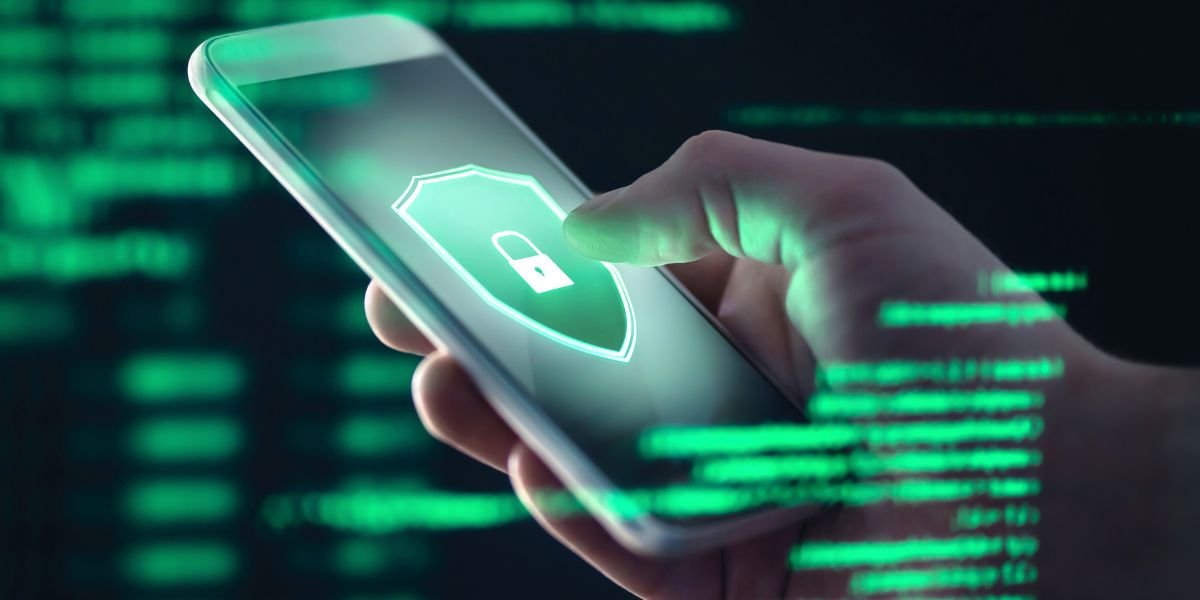
Travelling is one part of my life that I absolutely love. Not only is it freeing and a wonderful time, but it also gives me a chance to take a break from the hassle and have some time away from the hustle and bustle. But if I’m being honest, WhatsApp is the one app I heavily rely on, despite the fact that I do attempt to disconnect from the world while on the road. So, making sure my WhatsApp is in top condition before I even pack my passport is part of my checklist before travelling, and it should be part of yours, too.
Why WhatsApp is a traveller’s best friend abroad
Many people often ask me what I pack first, and while they expect the answer to be my passport, it isn’t. The first thing I check is my phone and my security, even with WhatsApp. So, why is WhatsApp good for international travel? The simple truth is that since it runs on Wi-Fi or mobile data, is encrypted, easy to use, and accessible, everyone uses it, and it seamlessly connects me to the people I love.
Also, since it includes free messages, voice notes, and video calls at home, I don’t spend a single extra penny on trying to reach people while I’m on the road. So, if you’re wondering, does WhatsApp work overseas? It works flawlessly, except for some exceptions (yes, I’m looking at you, UAE and China). But oftentimes, it’s only the calls that don’t go through.
The scams that target travellers on WhatsApp
While WhatsApp is the most convenient app for communication, here’s something nobody tells you about when using WhatsApp overseas: scammers do love tourists. The classic “Hi mum, I’ve lost my wallet, can you transfer me 200 pounds?” often creates panic and urgency. Then, you might find a dodgy group invite that appears out of nowhere, like a crypto investment chat.
These are almost always impersonation scams where someone tries to clone a friend’s profile photo and name. For the technical side of things, learn about the safety of WhatsApp video calls through Moonlock. This covers everything from what’s encrypted to what isn’t. Be wary of the use of AI and deep fakes in our modern age, as I recommend that you have a secret word between you and your close ones that identifies you at any time.
So, my rule while travelling and using WhatsApp is simple: if a message seems off, even slightly, I call the person directly on a normal voice call before replying.
Lock down your account before you fly
Preparing WhatsApp for travel really isn’t demanding. All I’m asking you to do is sit for five minutes on the sofa the night before. WhatsApp has all the tools you need locked down; it’s just that we never bother digging beyond the display. So, here’s what I run through before every trip:
- Turn on two-step verification. Find the two-step verification setting, as that’s the ultimate security tip I can give you. Pick a six-digit PIN you can remember, add a recovery email, and voila! You’re done. This stops anyone from accessing your account.
- Tighten privacy settings. I do recommend you hide your “last seen” and profile photo from strangers in the settings. Also, change the group to invite contacts only.
- Update the app and your OS. I do understand that an update sometimes takes a few minutes, but trust me, they’re the patches for the security holes.
- Add a lock to WhatsApp itself. Face ID or fingerprint, that’s up to you. This can be activated, so even if someone steals your phone, they won’t access your chats.
Wi-Fi, SIMs, and staying connected
If you want to understand how WhatsApp works, the technology behind it is very simple. It runs on either mobile data or Wi-Fi, which is exactly why it’s phenomenal for whenever you travel, but also exactly how the risks creep in. According to the Federal Trade Commission, hotel and airport Wi-Fi is flagged as they’re the favourite hunting ground for hackers. You might find yourself with Wi-Fi options that sound suspiciously close to something worth trusting, like “Free_Airport_WiFi.”
Also, I always use a VPN when connected to a public Wi-Fi, but I always favour an eSIM whenever possible. A travel eSIM gives you proper mobile data the moment you land in a foreign country, so WhatsApp works from the taxi rank all the way to the hotel.
My pre-flight WhatsApp checklist
So, since we established that WhatsApp is good for international travel, I’m going to leave you with a short list that you can screenshot:
- Turn on two-step verification with a PIN
- Set last seen, photo, and group invites to contacts only
- Enable App Lock
- Update WhatsApp and your OS
- Install a great VPN for public Wi-Fi connections
- Purchase an eSIM, so you have data wherever you go
- Tell your close family what you’re doing and choose a “secret” word for verification purposes
The bottom line
To me, WhatsApp is genuinely one of the best things to happen to modern travel. Yet, if we don’t set it up properly, there’s absolutely no point in using it. Five minutes before you travel is all you need to set everything up, which helps you prevent a stolen account, a panicked family member, or a drained bank account. Enjoy your spritz in Rome without having to worry about mitigating any risks associated with tech mishaps.
image credit – dreamstime